
Every client in one list
Search and filter
All your client companies with their plan, status and number of employees. Search by name, or filter to the ones that are live, on trial or suspended.
Manage HR and payroll for multiple companies from one console. Every client is a separate company with its own data and its own country's statutory rules, under your logo.
A practice that looks after ten companies usually ends up with ten ways of doing the same payroll.
Each client has its own workbook, or its own username and password in a system built for one company. Nobody can see the whole practice at once.
Tax bands, social security and levies are different in every country and are revised on each government's timetable. Every change means editing every client's file by hand.
The person who ran a client's payroll moves on. What they changed, and when, went with them, and the shared password is still in use.
Directors want headcount, leave and payroll figures without waiting for an email. Their employees want payslips without calling your office.
Headcounts move every month. Without a per-client figure in front of you, your fee is worked out from memory.
Your firm signs in once. From there you see every client company, open any of them, and manage your own staff, branding, reports and bill.
Search and filter
All your client companies with their plan, status and number of employees. Search by name, or filter to the ones that are live, on trial or suspended.
No password per client
Open a client from the list and you are inside that company: employees, leave, attendance and the payroll run. Go back to your console when you are done.
Manage, view only, or none
Give each member of staff their own account as an owner, admin or consultant. For each consultant, choose client by client whether they can manage it, only view it, or not see it.
White-label
Upload your logo and pick a colour. Every client you create starts with them, and you can apply them to all existing clients in one step.
Live or on trial
Enter the company, its country, its plan and its first administrator. The country's statutory leave types are set up for you, so the client can be used straight away.
Plan and modules per client
Set each client's plan, and hide the modules within that plan that a particular client does not need.
On screen, CSV and PDF
Pick the sections your firm reports on: workforce, payroll, statutory compliance, contracts, leave, performance, training. Clients that need attention are listed first. Download the whole portfolio, or one client's report as a PDF with your logo.
Build once, apply to any client
Save your appraisal method as a playbook: the rating scale, how the overall score is weighted, and KPI templates by department or job title. Apply it to each client you manage.
A line per client
Your billing page shows what each live client costs at its plan and headcount. You receive one invoice for all of them, as a PDF, payable online or by bank transfer.
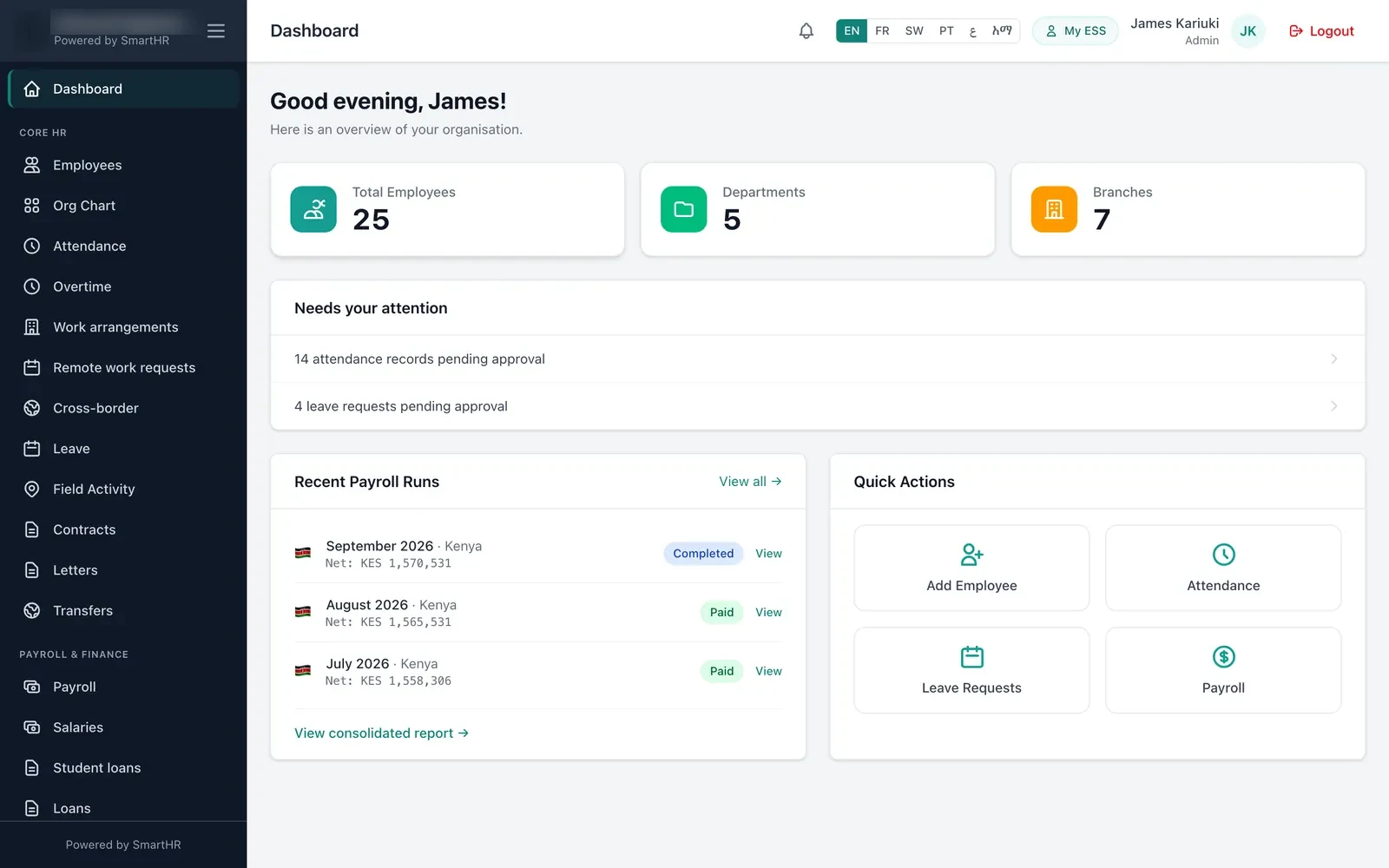
The same company workspace the client's own HR team uses, with that client's employees, payroll runs and approvals. Nothing from any other client.
Each time a member of your staff opens a client, the time, the person and whether it was view-only are logged.
Records created, changed or deleted while your staff are inside a client are written to that client's audit trail against the staff member who made them.
Remove their account in one step. They can no longer open any client, and the audit trail of what was changed stays with each client. Staff can also protect their sign-in with two-factor authentication.
Any of the 54 African countries SmartHR Africa covers. Everything a single company gets applies to each of your clients, so a bureau in Nairobi can take on a client in Kampala or Casablanca without building a new payroll.
Check a country's deductions with the free salary calculators, or read how the payroll module works.
Any firm that does HR or payroll work for companies other than itself.
Set up each client's HR records, leave rules and appraisals, and apply the same performance playbook across the clients you advise.
Run the monthly payroll for every client from one place, each with its own country's deductions and statutory returns.
Add payroll to the bookkeeping you already do for clients. Give a colleague view-only access when all they need is to check the figures.
Keep each client company separate while your team works across all of them. The client stays the employer; SmartHR Africa is the software you run their HR on.
Five steps. The first is the form at the bottom of this page.
Send the enquiry form on this page with the kind of firm you run and roughly how many client companies you look after. We reply with partner terms.
You get a partner console with an owner account. Upload your logo, choose your brand colour and add your staff.
Create each client with its country, plan and first administrator. A client can start live or on a trial. Companies already on SmartHR Africa can be moved under your console by our team.
Staff open a client from the list and work inside it: employee records, leave, attendance and the monthly payroll run with that country's statutory deductions.
The client's own administrators sign in to their company, and their employees use self-service on the web and the mobile app for payslips, leave and attendance.
What employees get on their phone is on the mobile app page.
Handing HR and payroll to an outside firm should not mean losing sight of it.
The client has its own administrator account from the day you create the company, and can add its own HR staff and managers.
Each client is a separate company. Its employees, payroll and documents are not visible to your other clients.
A "Partner access" page in the client's settings lists who at your firm can open their company and at what level, each time someone did in the last 90 days, and which records were changed.
Employees see their own payslips, leave and attendance on the web and in the mobile app.
Who can open a client is set by your firm. If a client later wants to run its own account, our team can move the company out of your console with its data intact.
Partner pricing depends on the number of client companies and employees — tell us about your practice and we will send terms.
Ask for partner termsPricing for a single company is on the pricing page.
Don't see yours? Ask it in the form below →
Tell us about your practice. We will reply with partner terms and, if you would like one, a walk-through of the console.
Looking for software for your own company only? Book a demo instead.
Tell us how many companies you look after and which countries they are in. We will show you the console with a client set up the way you would run it.