
Where Are Your Field Teams? Tracking Field Staff in Africa Without Micromanaging
Sales reps, technicians, supervisors and drivers spend the day away from the office. Here is how to see where field work happens — live status, route history and proof of visit — while keeping staff consent and data protection law on your side.
Every company with people on the road asks the same questions. Did the technician actually reach the site? Which reps covered which territory this week? Why did a "two-hour visit" take the whole afternoon? Without data, the answers come from phone calls and memory — and the conversation quickly turns into an argument about trust.
Field tracking done well replaces that argument with a shared record. Done badly, it feels like surveillance and your best people leave. This guide covers the difference.
1. Decide what you actually need to know
Most field operations need three things, and none of them is "where is every employee every second":
- Is the person working right now? A simple live / stale / offline status answers this.
- Where did the work happen? A route for the day, so a supervisor can see the trip from depot to sites and back.
- What was done at each stop? A visit record with time, place and, where useful, a photo.
Write those down before you choose a tool. They become your tracking policy, and they stop scope creep later.
2. Make tracking opt-in and visible
In SmartHR, background location tracking is a switch in the employee's mobile app. It is off by default, and nothing is recorded while it is off. That design is deliberate: employees know when they are being tracked, and you have a clear record that they agreed.
Under the Kenya Data Protection Act 2019, Nigeria's NDPA and South Africa's POPIA, location data is personal data. Tell staff what you collect, why, who can see it and how long you keep it. Track during working hours only, and put the policy in writing before the first ping is sent.
3. Use status, not constant watching
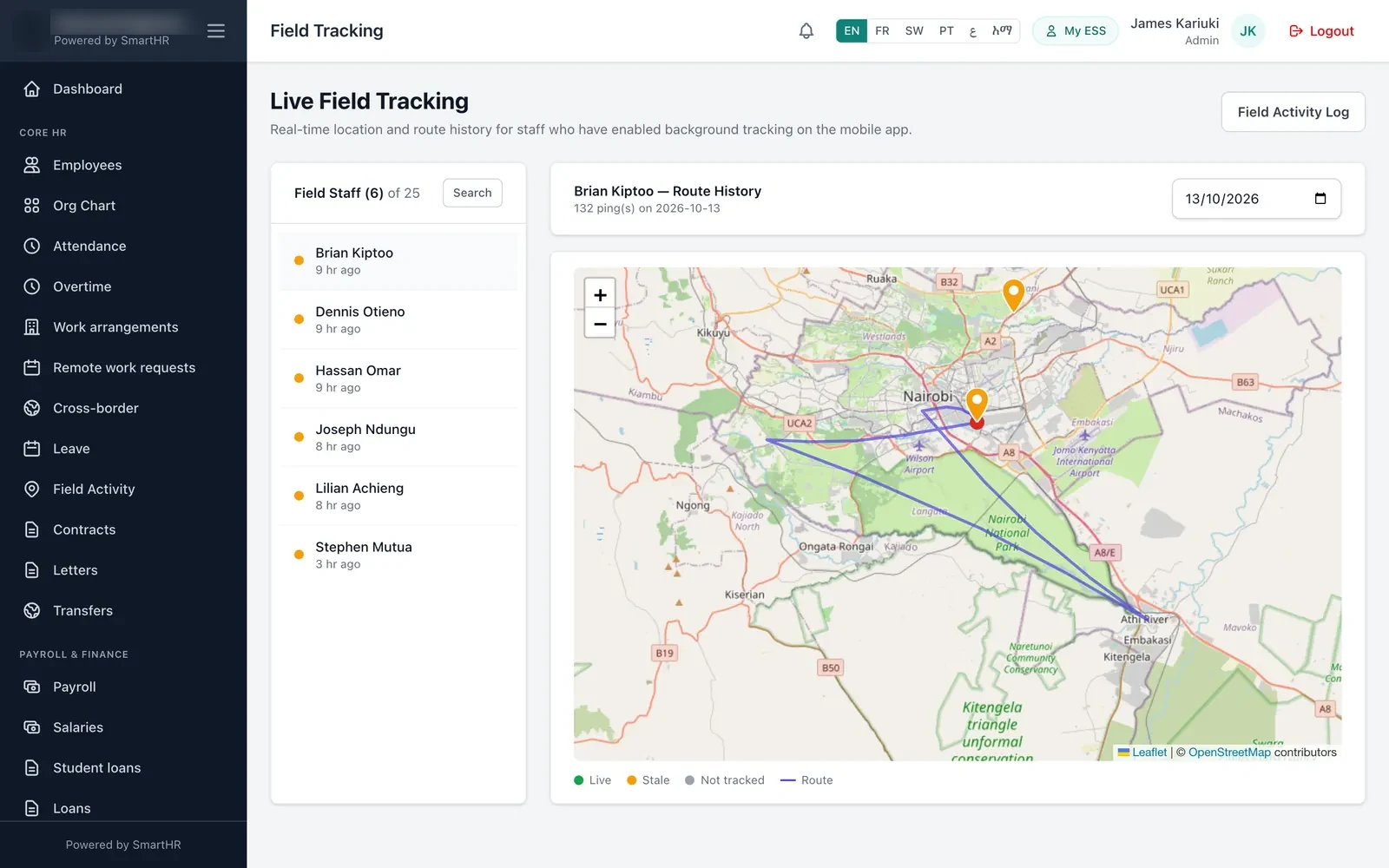
Supervisors don't need to stare at a moving dot. SmartHR shows each tracked employee as:
- Live — a location update arrived in the last 15 minutes.
- Stale — the last update is older than 15 minutes but less than 24 hours old.
- Not tracked / offline — no recent updates, with a "last seen" time.
A glance at the list tells a supervisor who is out and active. If someone shows as stale in the middle of the day, that's a prompt for a phone call — often it's just a phone with no battery or no signal.
4. Look at the route for the day, not the minute
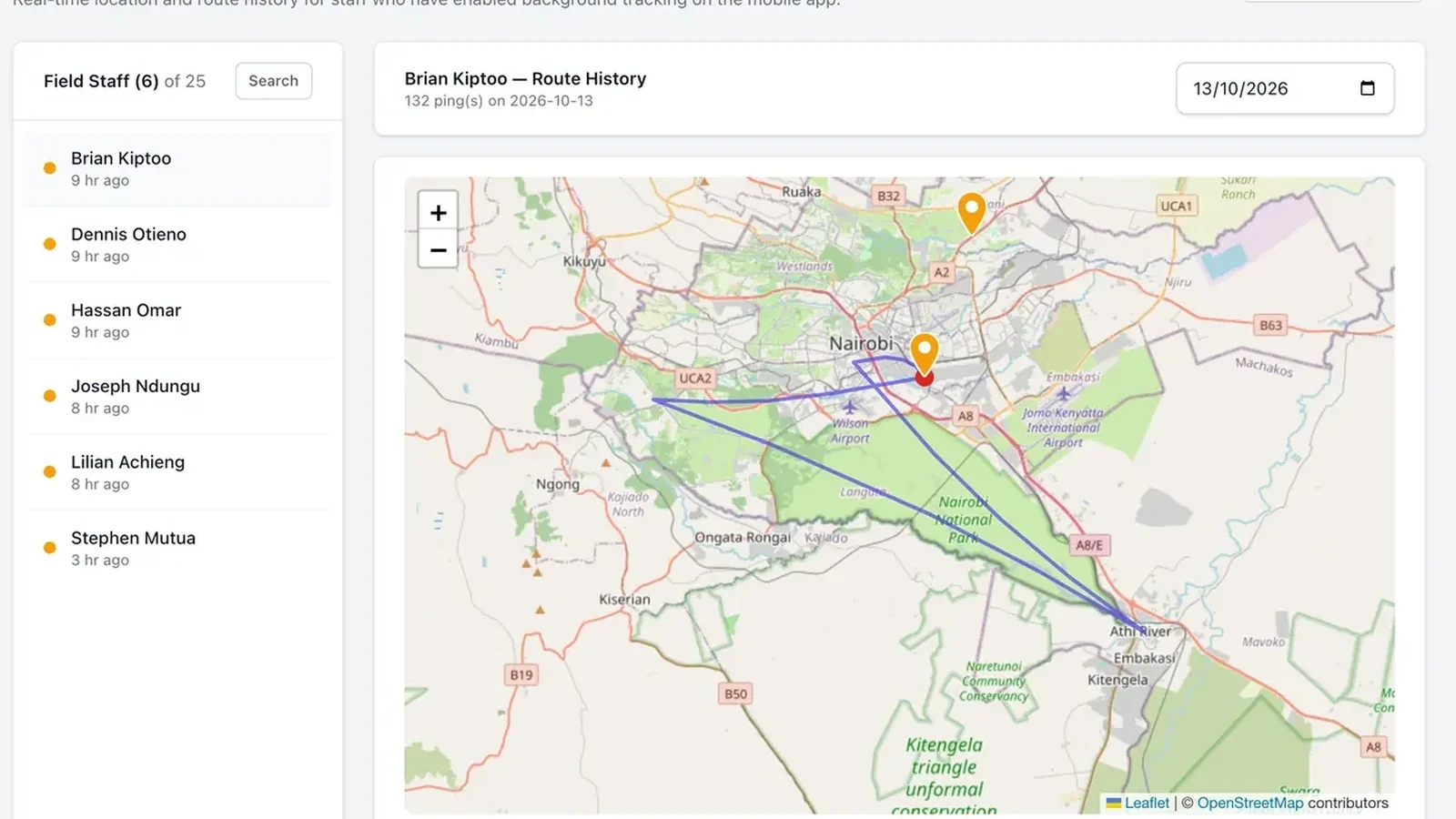
The route history shows the path an employee's phone reported on a chosen day. That's what you need for the real questions: did the van go to the three sites on the job sheet, was the long gap a traffic jam or a detour, does the mileage claim match the trip?
Review routes when there's a reason — a disputed claim, a customer complaint, a safety incident — rather than by default. Staff accept tracking far more readily when they know nobody is replaying their day for fun.
5. Record the visit, not just the location
A dot on a map proves someone was near a place. A visit record proves what happened there. SmartHR's Field Activity log lets staff record:
- Quick activities — a one-tap record such as "delivery made" or "site inspected".
- Timed activities — start and end, so you see how long a client meeting or installation took (from the mobile app).
- Geo-tagged photos where your plan includes them — a finished installation, a stocked shelf, a signed delivery note.
Each record carries the time and a readable street address, and you define the activity types that match your work. HR can view activities on a map, export a Verification Pack PDF for a client or donor, and pull a Geographic Coverage report to see which areas your teams actually reached.
6. Plan for bad network
Field work in Africa means dead zones: rural roads, basements, borders. The app queues location updates and activities while offline and sends them when the connection returns, without creating duplicates. When you evaluate any tracking tool, switch the phone to flight mode, log a visit, reconnect, and check that the record arrives with the original time.
7. Limit who can see what
Location data should follow the same access rules as the rest of HR. In SmartHR, a supervisor sees their own direct reports, a country HR manager sees employees in their countries, and global HR sees everyone. A sales rep in Kampala never sees a colleague's route in Nairobi.
8. Set your own retention rule
Decide how long route history is useful — for most companies that's the length of a pay or claims cycle plus a dispute window — and write it into your policy. Keep visit records (which are business records) longer than raw location points (which are personal data).
A rollout that works
- Write a one-page tracking policy: what, why, when, who sees it, how long it's kept.
- Pilot with one team and its supervisor for two weeks.
- Use the data first to help staff — settling mileage claims fast, proving visits to customers — before using it for discipline.
- Review the policy with the pilot team, then roll out.
Field tracking and field activity are part of SmartHR's field tracking module, available on the Business plan alongside the mobile app. See how it fits sales teams, logistics and security companies, or book a demo and we'll walk through a real route history with you.